
Write the whole book.
A manuscript app for Android. Chapters and scenes, a Codex of your characters and places, and export for submissions, self-publishing or AO3. Every scene is a plain file in a folder you choose.
Pre-register on Google Play Get it on Google PlayOut 5 November. Pre-registered phones install it on launch day. Free for 3 projects.
Free for 3 projects. Pro from $1.99/month.
No Android handy? Get one email on launch day.
Nearly there. Check your inbox to confirm.
- No account
- No ads
- No AI assistant
- Works offline
- Your files
Fifty seconds in the app
Recorded on a phone, on a small manuscript called Lowwater.
What's inside
It's made for long work: a book, a series, or a folder of stories you keep going back to.
-
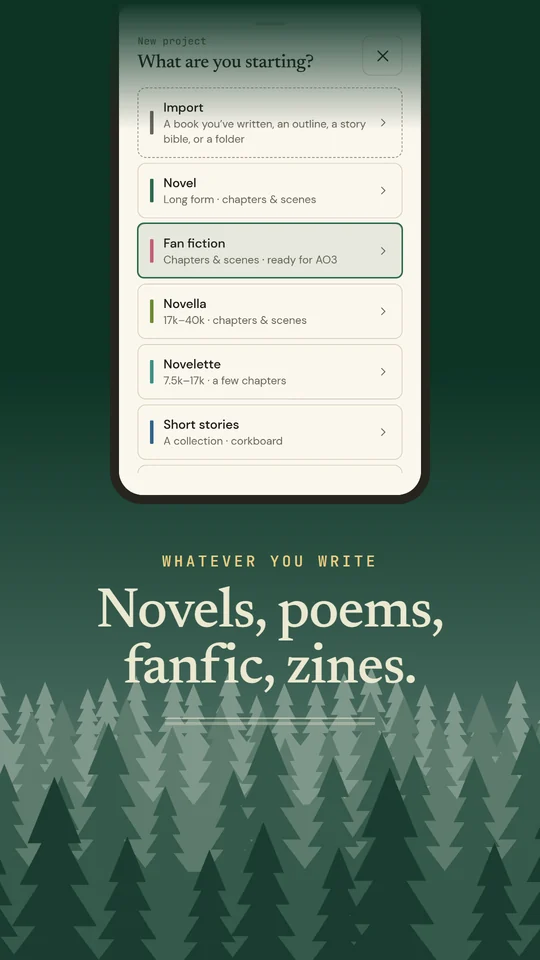
Nine project types
Novel, fan fiction, novella, novelette, short stories, flash fiction, poetry, zine and essays. Each type gets its own structure. Poetry isn't a novel with shorter chapters, and a fan fiction project is set up for posting to AO3.
-
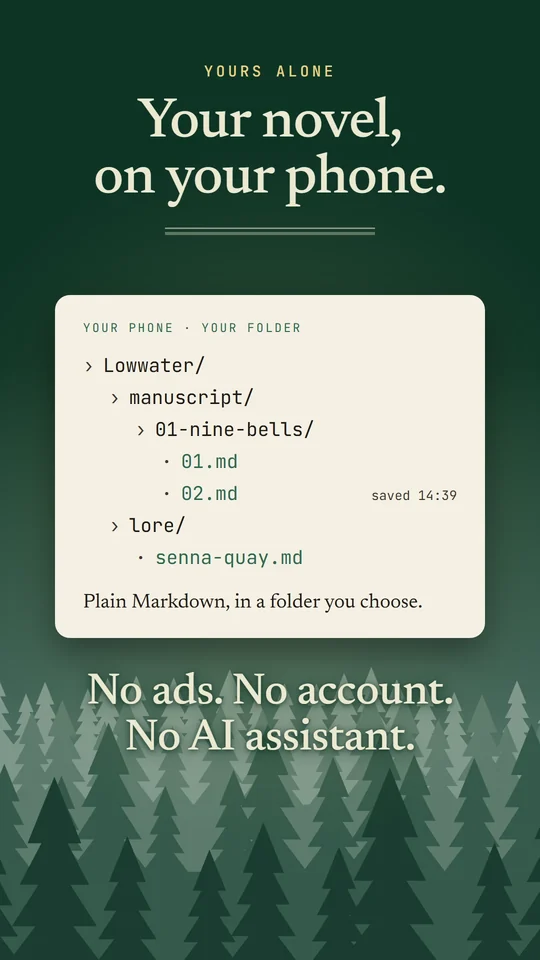
Plain files you own
Every scene is a
.mdfile in a folder you choose. If you stop using the app, your book is still sitting there in your files. -
Bring your book in
Import a manuscript, outline or story bible from Word, EPUB, RTF, HTML or text. It's split into chapters and scenes, and you check the split before anything is saved.
-
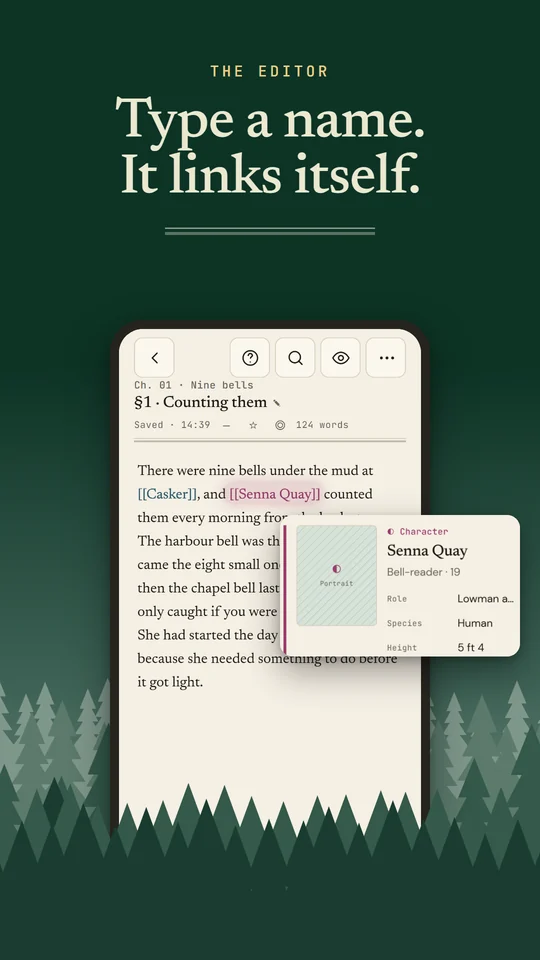
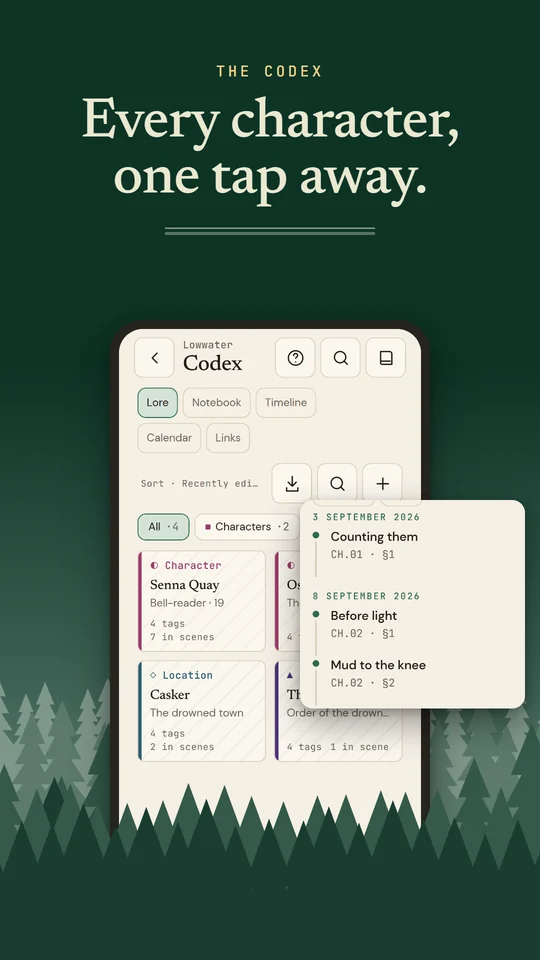
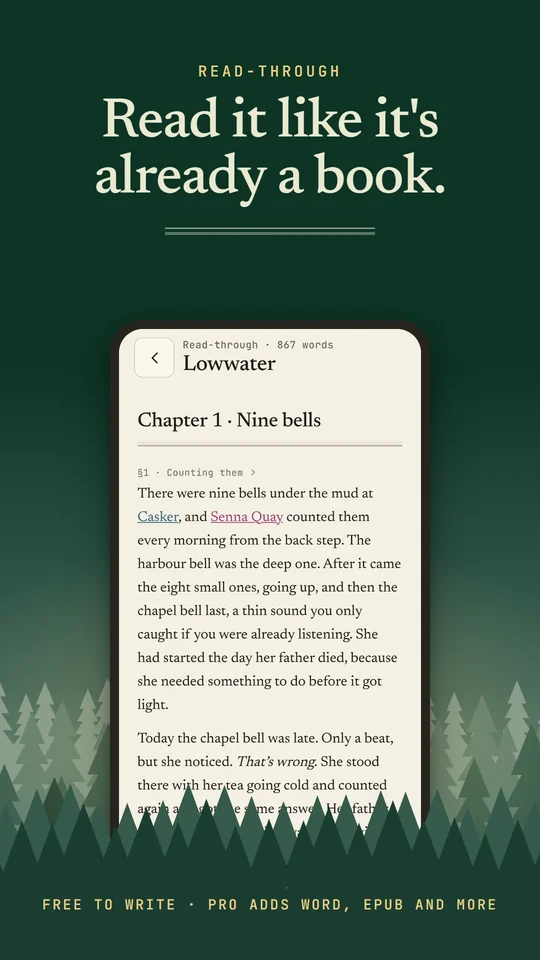
A Codex that links itself
Write a character's name and it turns into a link to their card, and the card lists every scene they appear in. Auto-linking is on by default and you can switch it off. Typing
[[and a name makes a new card. -
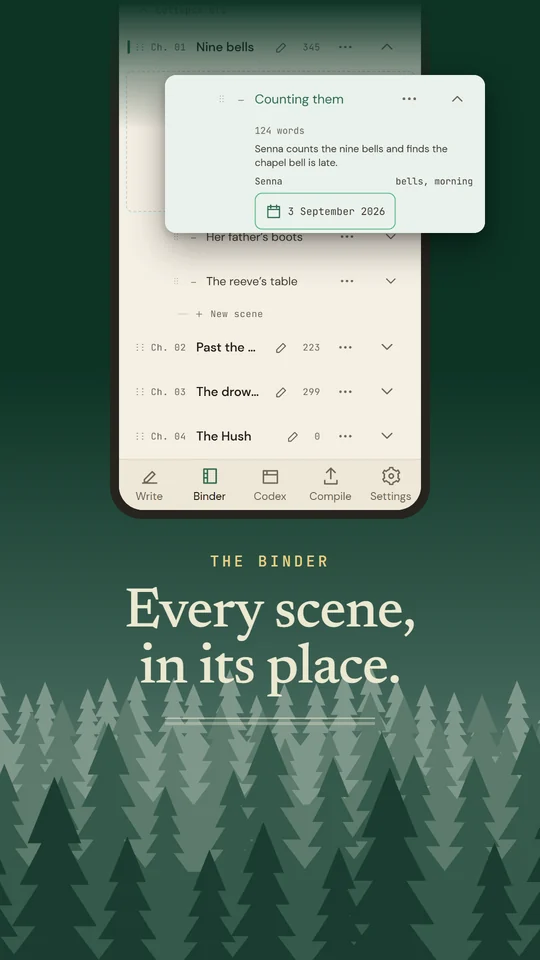
Timelines and calendars
Every scene can carry a date and show up on a timeline in story order. With Pro you can build calendars with your own eras, months and holidays. The calendar opens on your story's dates, and you can type a year to jump to it.
-
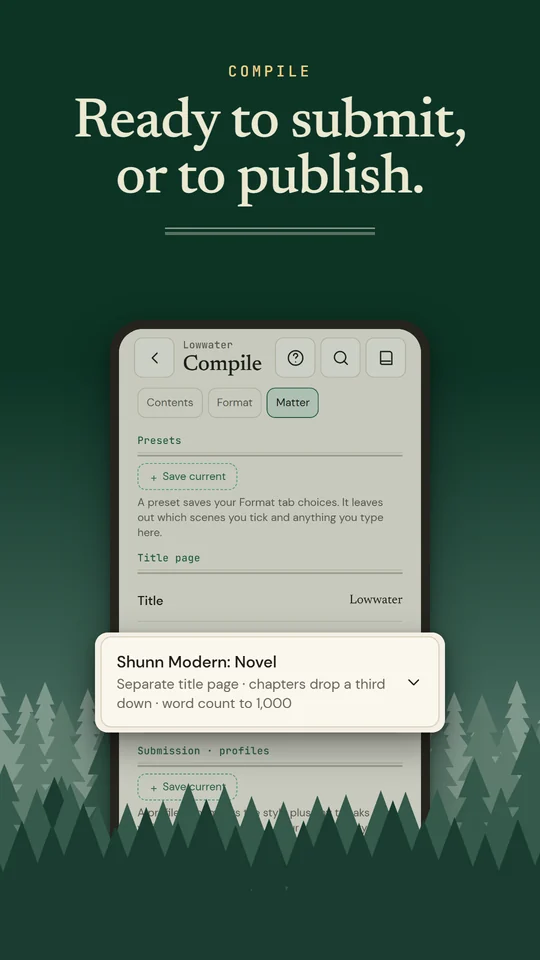
Compile to submit Pro
Export
.docx,.epub,.rtfor.pdffor self-publishing or Shunn-format submissions. Plain.mdand.txtare free. -
Revise in place
Search the manuscript, split a scene in two or join two into one, and undo after deleting a calendar event, a relationship or a submission profile. Snapshots let you restore an older version of a scene.
-
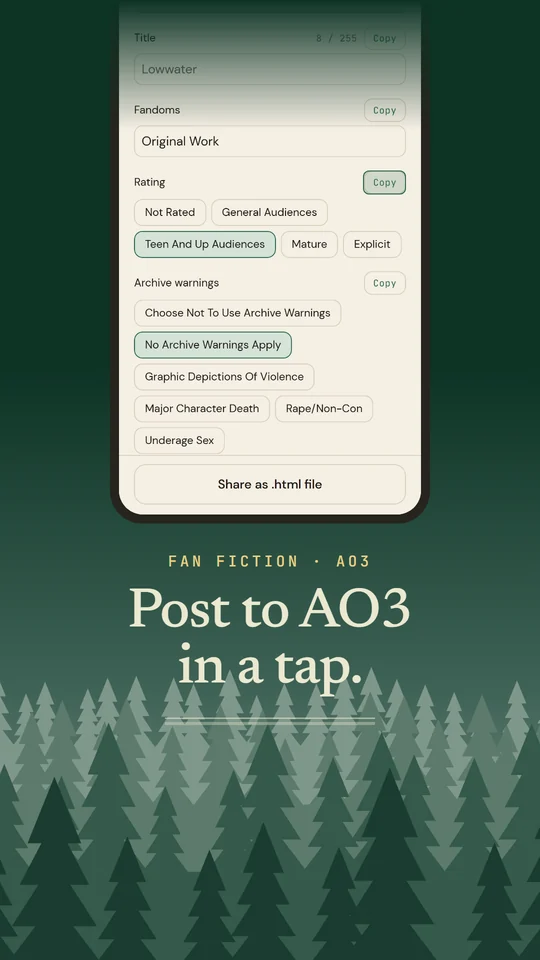
Post to AO3
Every chapter as AO3-ready HTML with a Copy button, plus your title, tags, summary and notes. It warns you before a chapter is too long or empty. Free.
-
Made for E-Ink
Switches on by itself on Boox, Bigme, PocketBook and other E-Ink devices: no animations, solid contrast, volume-key page turns.
-
Fine with long books
Big manuscripts open and switch between tabs without stalling, and very long scenes are edited a window at a time so typing stays quick. Set a default page style (typeface, size, spacing, margins) for every scene, or style one scene on its own.
-
Keep the habit
Word goals, streaks, focus mode, typewriter scrolling, read-aloud, and a daily reminder if you want one. Word counts work for Chinese and Japanese too.
Screenshots
Free, with an optional Pro plan
Free
The whole editor, the Codex (12 cards per project), import and AO3 posting, for up to 3 projects.
Pro
No limits, every calendar, linked series, and .docx / .epub / .rtf / .pdf export.
A note from the developer
I've been writing short fiction for 8+ years, mostly literary, speculative, fantasy and sci-fi, and some of it has found homes in magazines, presses and reviews overseas. Right now it's a romantasy novella that keeps refusing to stay a novella.
None of the Android writing apps suited that work. The best-known desktop novel app has no Android version, and I never liked its layout much anyway. The rest wanted an account, pushed cloud sync, put AI assistants into the spellchecker, or kept trimming the free tier. So I built the one I wanted to write in.
Out 5 November.
Start your book.
Free to download. Follow @PenwrightStudio for updates.
Pre-register on Google Play Get it on Google Play